CNJ AdShield: a free ad blocker for iPhone and iPad
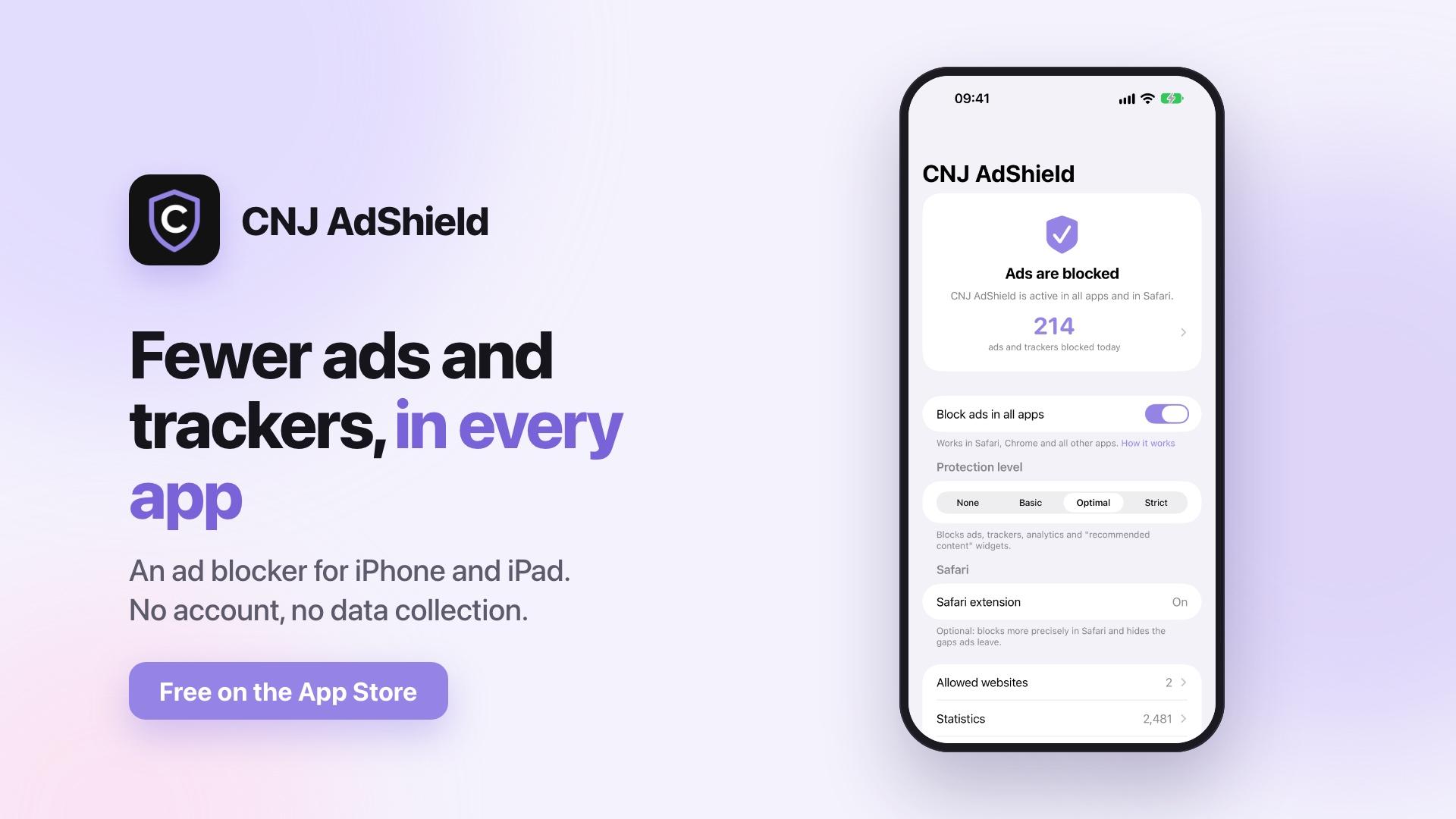
CNJ AdShield is a free ad and tracker blocker for iPhone and iPad. It blocks ads in Safari, Chrome and every other app, needs no account and collects no data. We built it at CNJ Digital in Ljubljana.
Get the app on the App Store. It runs on iPhone and iPad with iOS 16 or later. The Mac version is in review with Apple.
CNJ AdShield in 20 seconds. Click the video to play it. Music: Sascha Ende, ende.app (CC BY 4.0).
In short
Where it blocks: in Safari, Chrome and every other app on your phone.
How: a local VPN profile receives only the names of the websites your apps look up. Ad and tracker addresses never load.
Protection levels: None, Basic, Optimal and Strict.
Privacy: no account and no data collection. Statistics stay on the device.
→ Download CNJ AdShield for free on the App Store
Why an ad blocker for every app
Ad blockers that are Safari extensions only work in Safari: Apple doesn't give them access to pages anywhere else. But ads and trackers are also in Chrome, in news apps and in games. So CNJ AdShield blocks in two ways:
In all apps: the app adds a local VPN profile that only DNS lookups pass through, meaning the names of the websites your apps look up. Ad and tracker addresses are answered with "does not exist", so they never load. All other traffic bypasses the app.
In Safari (optional): the Safari extension blocks more precisely and hides the gaps ads leave behind. The rules come from EasyList and EasyPrivacy, and Safari applies them itself, so the app never sees which pages you visit.
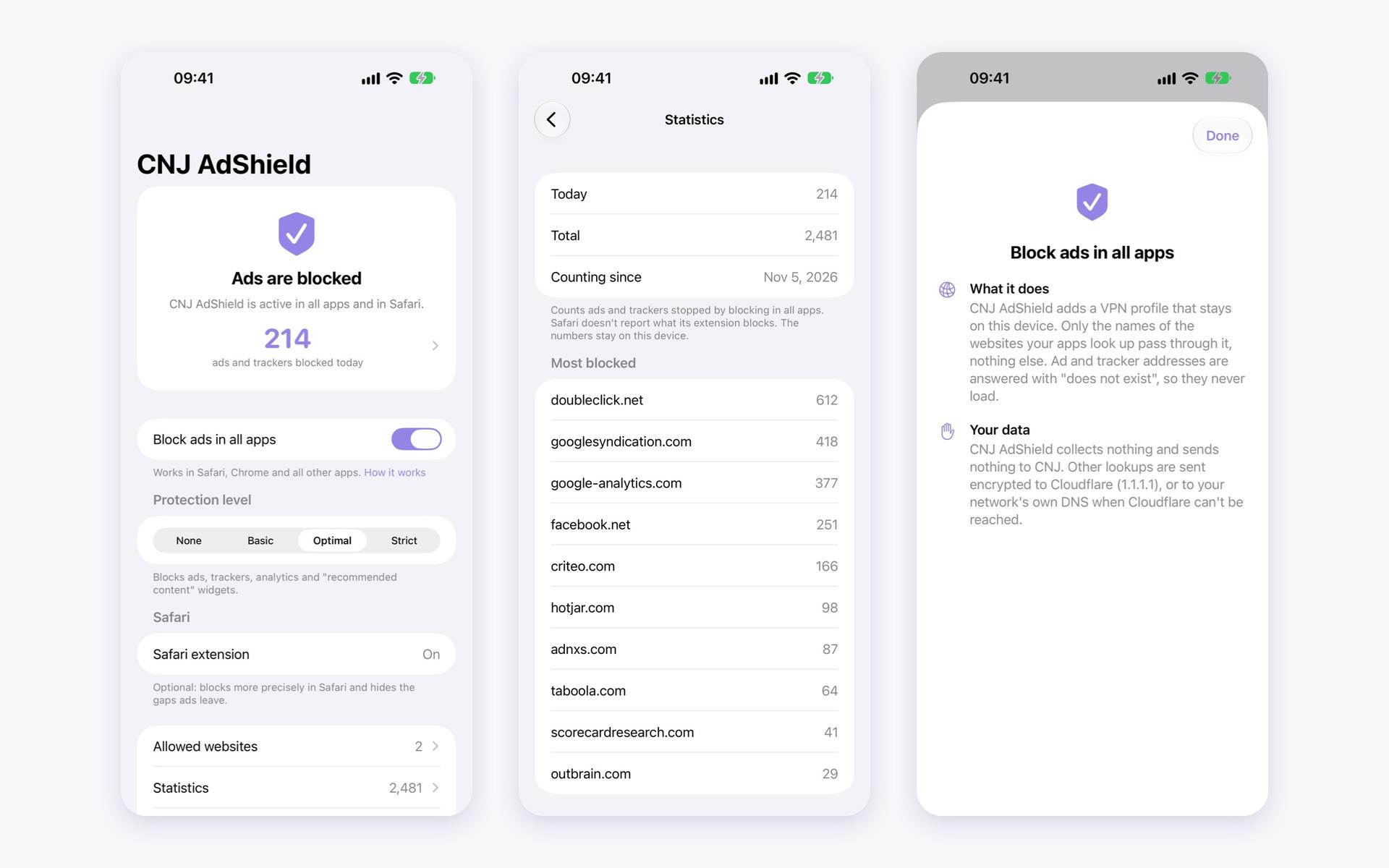
The main screen with today's blocked ads, the statistics, and the explanation of what happens to your data.
Four protection levels
None: pause blocking without switching the extension off.
Basic: ad networks and pop-ups, about 48,000 rules.
Optimal: also trackers, analytics and "recommended content" widgets, about 76,000 rules. This is the default.
Strict: also cookie banners, social widgets, chat bubbles, newsletter pop-ups and notification prompts. Some sites may not work properly.
Change the level in the app, or with one tap on the Home Screen or Lock Screen widget (iOS 17 or later).
What else CNJ AdShield does
Statistics: how many ads and trackers blocking in all apps stopped today and in total, and which domains it blocked most. Safari doesn't report what its extension blocks, so that isn't counted.
Allowed websites: nothing is blocked on the sites you choose.
English and Slovenian: the app follows your phone's language.
Sharing is caring: with the next update you will be able to share your total of blocked ads as a picture.
→ Fewer ads from today: CNJ AdShield on the App Store
Privacy: what happens to your data
Because blocking in all apps uses a VPN profile, it is fair to ask where your data goes. CNJ gets nothing. The filter runs on your device, logs nothing and sends nothing to us.
Lookups for sites that aren't blocked go encrypted (DNS over HTTPS) to Cloudflare at 1.1.1.1. When Cloudflare can't be reached, for example on a network with a sign-in page, they go unencrypted to your network's own DNS until Cloudflare answers again. Blocking keeps working in the meantime.
The app tells you all of this on one screen before you turn blocking on. The details are in the privacy policy.
What CNJ AdShield can't do
It doesn't block ads served from the same domain as the content, YouTube for example.
Blocking in all apps can't run together with another VPN. The Safari extension still works then.
Blocking in all apps blocks whole domains, so it can't hide the empty ad slots. In Safari, the extension does that.
→ CNJ AdShield is free: get it on the App Store
On the Mac, in the menu bar
The Mac version (macOS 14 or later) is in review with Apple. On the Mac, CNJ AdShield lives in the menu bar, where you change the protection level or switch blocking in all apps on and off.
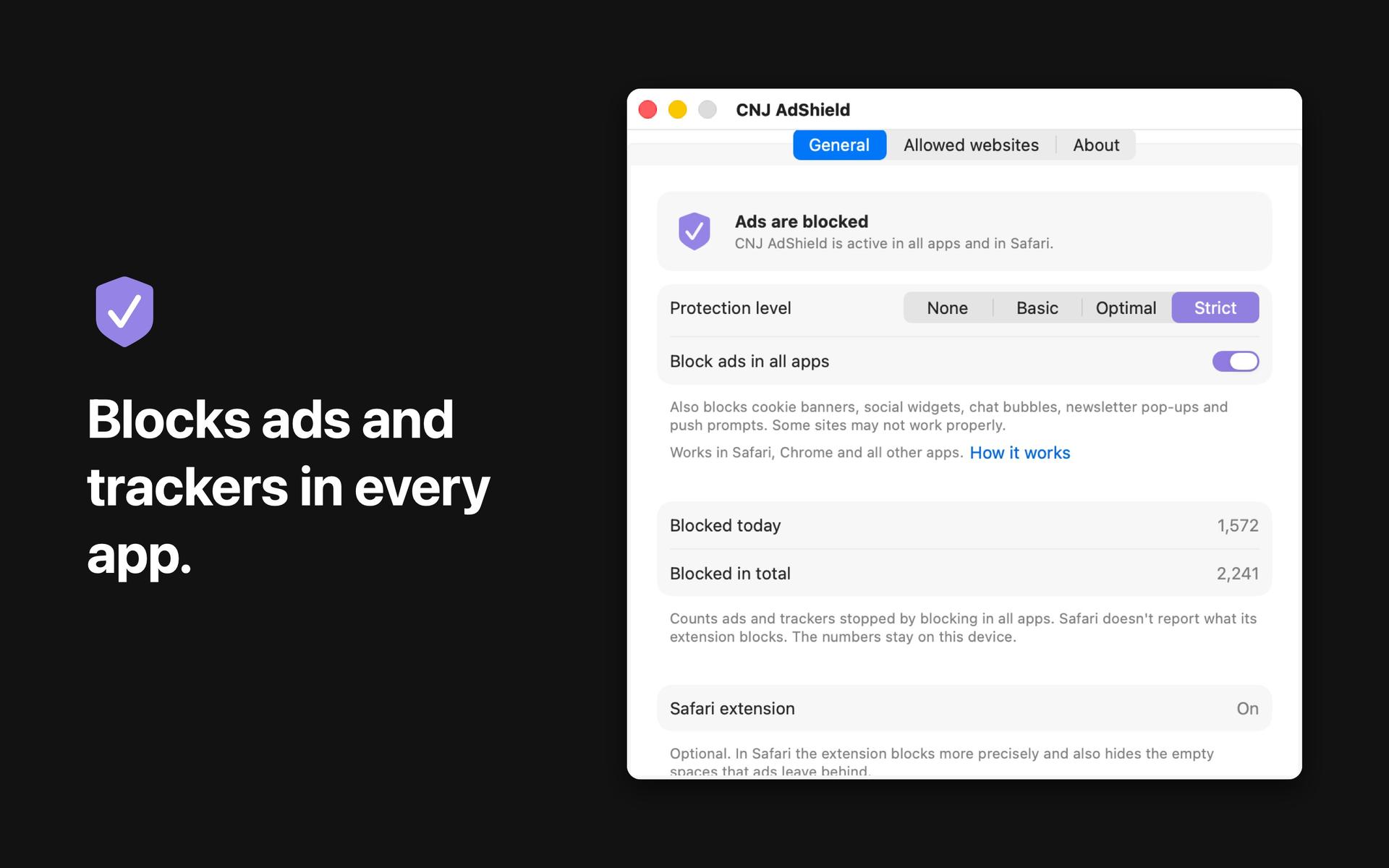
CNJ AdShield on the Mac: protection level, blocking in all apps and statistics in one window.
From idea to App Store in a week
We started building CNJ AdShield on 14 November 2026, at first just to block ads in Safari on our own phones. It was on a phone the same day, and over the next days came blocking in Chrome and other apps, the protection levels, the widget and the Slovenian translation. It has been on the App Store for iPhone and iPad since 21 November.
Apple's review is rightly thorough with VPN apps: they wanted to know what data the app uses, why, and who it is sent to. The answer is short, because it collects nothing, and you now see the same explanation before you turn blocking on.
We used AI coding tools to build it, while the decisions about what the app does and how it handles data stayed with us. The same process produced the UPN to SEPA app for paying Slovenian bills with Revolut, and we use it for clients in the AI Pilot.
Frequently asked questions
Does CNJ AdShield block YouTube ads?
No. YouTube serves ads from the same domains as its videos, so blocking by domain cannot tell them apart from the content.
Can CNJ see which websites I visit?
No. The Safari extension hands its rules to Safari, which applies them itself. The filter for all apps runs on your device and sends nothing to CNJ.
Does it work together with another VPN?
Blocking in all apps doesn't, because only one VPN can run on a device at a time. The Safari extension works either way.
What if a website doesn't work?
Add it to your allowed websites or choose a lower protection level. Most of these problems come from the Strict level.
How much does it cost?
Nothing. CNJ AdShield is free, with no ads and no in-app purchases.
Get CNJ AdShield on the App Store. Have an idea for a similar tool? Write to us.
We write about it. We also build it.
Let's talk about your project
A 30-minute call to understand what you're building and how cvan we help. No brief required.
Prefer email?
info@cnj.si