Statamic vs WordPress: which one we choose, and when
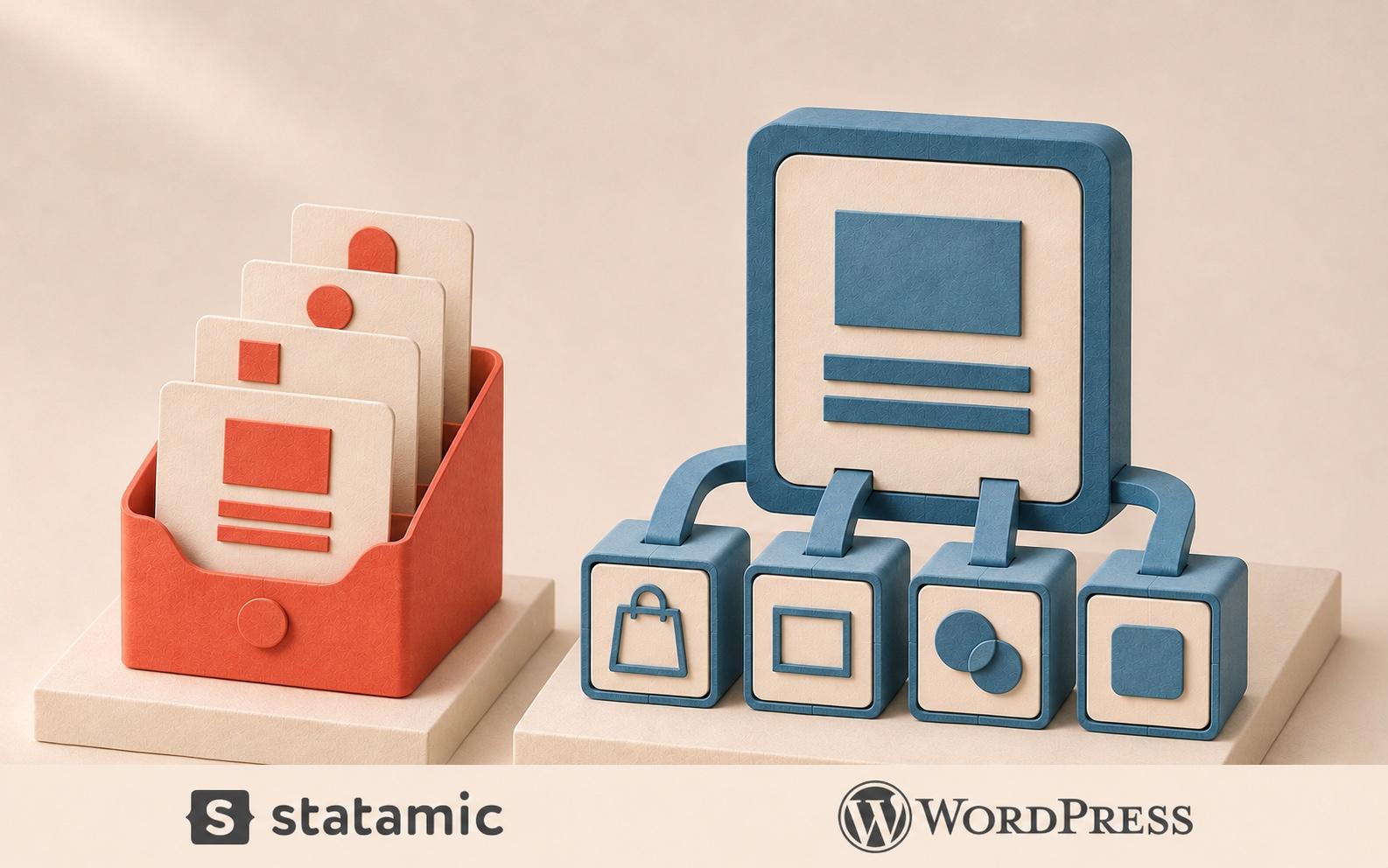
We build on both. WordPress is the right choice when you need its ecosystem: a ready-made plugin for almost anything, an online shop, or a team that already knows it. Statamic is the right choice when the site is built to measure, content is structured, and you want fewer moving parts to maintain. The licence price is rarely what decides it. Maintenance is.
At CNJ the choice depends on what the client wants and what the project needs. Some clients come with a WordPress site and a team that is happy with it. Others want a custom front end and a CMS that stays out of the way. Most of our Statamic projects run in headless mode: Statamic manages the content and a separate front end displays it. This article explains how we decide.
The short version
WordPress runs roughly four in ten websites, according to W3Techs. It is free, it has tens of thousands of plugins, and almost every web developer has worked with it.
Statamic is a much smaller, commercial CMS built on the Laravel framework. The Pro edition costs $349 per site. It stores content in files and comes with structured content, multilingual sites and content APIs built in.
Neither is better in general. They are good at different things.
The differences that matter
Plugins versus built-in features. In WordPress, structured content, multilingual sites, forms and SEO fields usually come from plugins, and several of the good ones carry their own yearly licence. In Statamic those features are part of the system. You get fewer choices and fewer things to keep updated.
Content storage. WordPress keeps everything in a database. Statamic stores content in files by default, so every change can be committed to Git automatically. That gives you a history of the content, simple backups and a test copy of the site without copying a database.
Editing. WordPress has the block editor, which gives editors a lot of freedom over layout. Statamic gives editors defined fields and blocks that a designer has prepared. Editors have less freedom and the site stays consistent. Which one is better depends on who edits.
Ready-made versus custom. WordPress has thousands of themes, so a small site can be online in days. Statamic has no comparable theme market. It assumes the site is designed and built for you.
Shops. WooCommerce makes WordPress a serious e-commerce platform. Statamic has no built-in shop. If selling online is the core of the project, that usually settles it.
Developers. WordPress developers are everywhere. Statamic needs a developer who knows Laravel, which is a large community but a smaller one.
Security and maintenance
WordPress core is well maintained. The risk sits in the plugins. In its State of WordPress Security in 2026 report, Patchstack counted 11,334 new vulnerabilities in the WordPress ecosystem in 2025. Plugins accounted for 91% of them and WordPress core for six.
This does not make WordPress unsafe. It means a WordPress site is as safe as its least maintained plugin, and that someone has to update it every week, not twice a year. A site with five well-chosen plugins is easy to look after. A site with forty is a part-time job.
Statamic has less to attack, because most features come from one vendor and far fewer automated attacks are written for a system this small. It still needs updates, and those are done by a developer, not with a button in the admin.
What each one really costs
WordPress is free and Statamic Pro is not, but that comparison misleads.
WordPress: no licence for the system. Commercial plugins for custom fields, translations, forms, caching and security are often paid yearly. Maintenance takes more hours, because there are more parts from more authors.
Statamic: $349 per site with one year of updates, then $99 a year if you want to keep updating. A free Core edition exists, but it has one admin account and no content API, so business sites need Pro. Maintenance takes fewer hours.
Over three years the two usually end up closer than the licence prices suggest. On a small site with a ready-made theme, WordPress is cheaper. On a custom site with several languages and structured content, Statamic often is.
Headless: both can do it
A headless setup means the CMS only manages content and a separate website or app reads it through an API. That is how cnj.si works.
WordPress has a REST API in core and GraphQL through a plugin. Statamic Pro includes both. The difference is what you leave behind. Much of the value of WordPress is in themes and plugins that produce pages, and in a headless setup many of them stop being useful. Statamic loses very little, because it was designed around structured content from the start.
If a client wants a headless site and has no existing WordPress content or team, we recommend Statamic. If they have years of content and editors who know WordPress well, headless WordPress is a reasonable route.
When we choose WordPress
The client already runs WordPress and the team is comfortable with it.
The project needs an online shop, a membership system or another feature that a mature plugin does well.
The budget fits a ready-made theme, not a custom design.
The client wants to be able to hire any agency or freelancer later.
When we choose Statamic
The design is custom and the front end is built separately.
Content is structured: case studies, services, team members, locations, each with its own fields.
The site has several languages.
The client wants predictable maintenance and as few third-party parts as possible.
Developers want content and code in the same Git history.
Moving from WordPress to Statamic
It is possible, and often easier than people expect. Statamic has an official importer that reads CSV and XML files, imports entries, taxonomy terms and users, and has special handling for WordPress block content.
What does not move is whatever plugins were doing: shop logic, memberships, complex forms. And a move only makes sense with a reason. If your WordPress site works, is updated and your team likes it, stay. We recommend moving when maintenance has become a burden, when you are redesigning anyway, or when you want a headless front end.
How to start
Tell us what the site has to do and who will edit it. We recommend one of the two and explain why. If you already have a site, send us the address and we tell you whether to keep it, clean it up or move it. Get in touch or see the Build & Launch package.
Frequently asked questions
Is Statamic better than WordPress?
Not in general. Statamic is better for custom, structured, multilingual sites with a small number of editors. WordPress is better when you need its plugins, a shop or a ready-made theme.
Is Statamic free?
The Core edition is free, with one admin account and one form. Most business sites need Pro, which costs $349 per site with one year of updates and $99 a year after that.
Is WordPress unsafe?
No. WordPress core is well maintained. Most vulnerabilities are found in plugins, so safety depends on how many plugins a site uses and how regularly they are updated.
Can WordPress be used as a headless CMS?
Yes. It has a REST API in core and GraphQL through a plugin. Many themes and page-building plugins lose their purpose in a headless setup, so plan for that.
Which is better for SEO?
Neither has an advantage by itself. Search results depend on content, speed and technical quality of the front end. Both systems let you control titles, descriptions, addresses and structured data.
Can we move our content from WordPress to Statamic?
Yes. Posts, pages, categories and users can be imported with Statamic's official importer. Plugin features such as shops or memberships have to be rebuilt or replaced.
We write about it. We also build it.
Let's talk about your project
A 30-minute call to understand what you're building and how cvan we help. No brief required.
Prefer email?
info@cnj.si